
Key takeaways
- →Sprint planning exists to answer two questions: what can be delivered in the next sprint, and how the team will get it done.
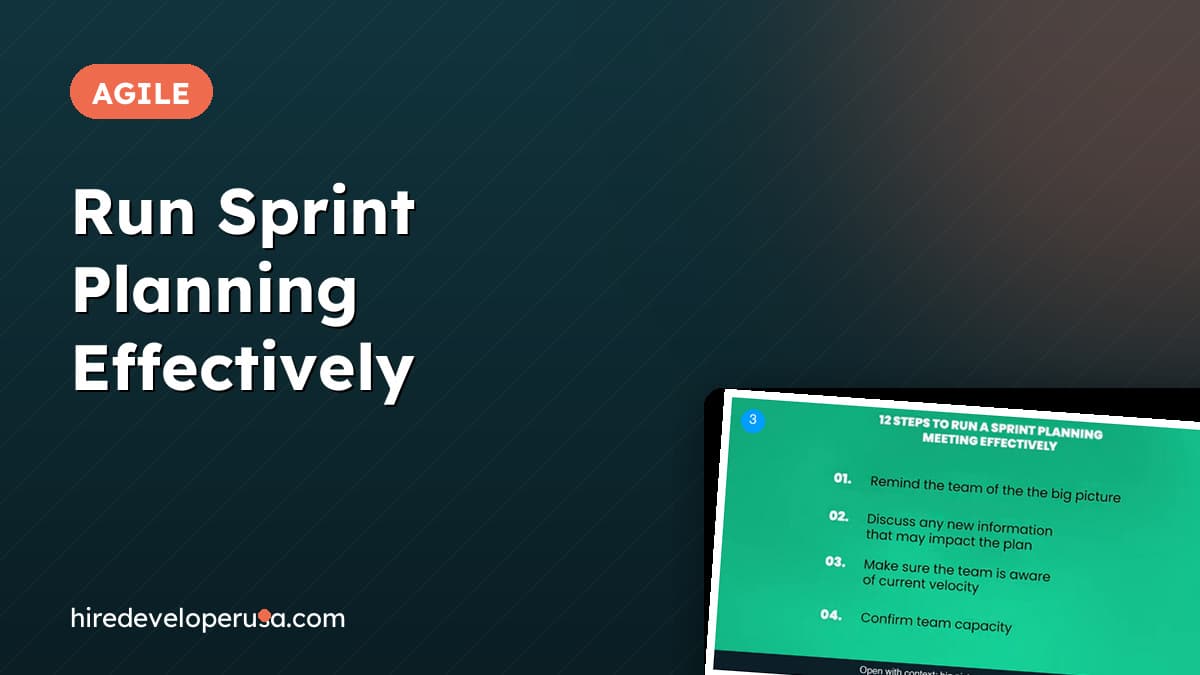
- →Most of the meeting's efficiency is decided beforehand: the product owner brings a backlog that meets the definition of ready, stories are sized, and the calendar and capacity have been checked.
- →Book the meeting by sprint length: multiply the number of weeks in the sprint by two hours to get the total planning time.
- →Inside the room, context comes first (big picture, new information, velocity, capacity, known issues, definition of done) and the backlog comes second. The team, not the facilitator, signs up for the work and estimates it.
- →End with an explicit approval from both the team and the product owner, so everyone knows the plan is set and work can start.
Sprint planning has a reputation as the meeting that never ends. The team sits through a long list of tickets, someone at the front of the room asks "can this be done by the end of the sprint?" one item at a time, and everyone leaves with a plan nobody quite believes in. The meeting itself is rarely the problem. The problem is what did not happen before it, and the absence of a fixed sequence once the room is full.
This guide is for founders and CTOs who run sprint planning with a small engineering team, or who sit in on it and want to know whether it is being run well. It covers the four things that must be finished before the meeting is even scheduled, a rule of thumb for how long to book, the twelve-item sequence that carries the meeting from context to commitment, and the moment at the end that turns a draft into a plan. A short quiz before the conclusion checks that the sequence stuck.
Step 1: bring a backlog that meets the definition of ready
The biggest lever on how long sprint planning takes is the state of the backlog when the meeting starts. That is the product owner's responsibility. The product owner represents the customer and the business, and before planning they go through every item that could plausibly be pulled into the sprint (new features, bugs, performance work, stakeholder feedback) and check each one against the team's definition of ready.
A definition of ready is a short checklist an item must pass before the team is asked to plan it. In practice it means:
- The item is organized and described. Anyone on the team can read it and understand what is being asked without a follow-up conversation.
- Dependencies are identified, and removed where possible. If a story is blocked on a third-party API key or a design that does not exist yet, either the blocker is cleared or the story stays out of the candidate list.
- Acceptance criteria are listed. The team needs to know how "it works" will be judged before they estimate the work. If your stories tend to arrive without them, our guide to writing user stories developers understand covers the format.
- Test cases are written. Where the team defines test cases up front, they are attached to the story rather than invented during the meeting.
Skip this and the planning meeting becomes the place where all of it gets done live, with the whole team watching. That is the slow, uphill version of the meeting everyone complains about, and it is expensive: every minute of it is multiplied by the number of engineers in the room.
Once the backlog is in that state, sizing the user stories becomes a much shorter exercise. Teams that have worked together for a while have a reliable sense of what they can complete in a sprint, and stories that are already sized give them the raw material to reason about it instead of guessing.
Step 2: check the calendar, gauge capacity, and book the right amount of time
The second half of the preparation is about people rather than tickets, and it is the half most often skipped.
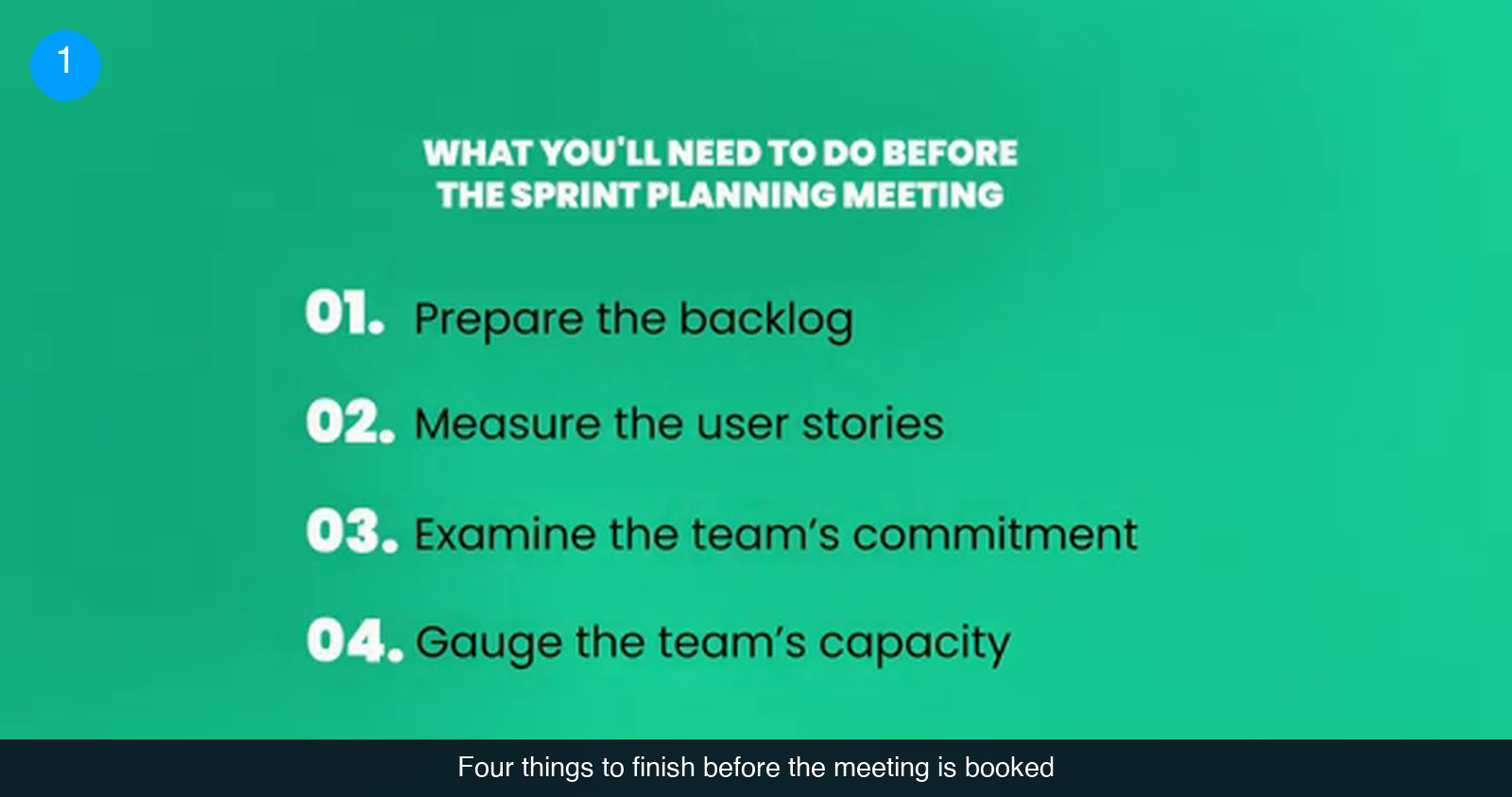
Commitment first. Look at the team's calendar for the sprint window. The failure mode is agreeing on a plan and then discovering that the lead developer is away for a week of it. "They can work remotely" is not an answer unless you actually know what their availability will look like. Check before the meeting, not during it.
Then capacity. Is anyone being pulled onto another project, a support rotation, or an interview loop? The more precisely you know how many productive hours each person has for this sprint, the closer the plan will be to what ships. Guessing here is how a team ends a sprint with half the work still open and no idea why.
With a ready backlog, sized stories, commitment and capacity in hand, write an agenda and send it to the team ahead of time. Reusing the same agenda template sprint after sprint saves the most time, and it also tells you how long to book. A rule of thumb attributed to Mitch Lacey & Associates: take the number of weeks in your sprint and multiply by two hours to get the total planning time. A two-week sprint gets a four-hour planning meeting; a one-week sprint gets two hours. If your planning regularly runs past that, the cause is almost always upstream, in Step 1.
At this point the stretching is done. Everything that follows happens in the room.
Step 3: open the meeting with context, not tickets
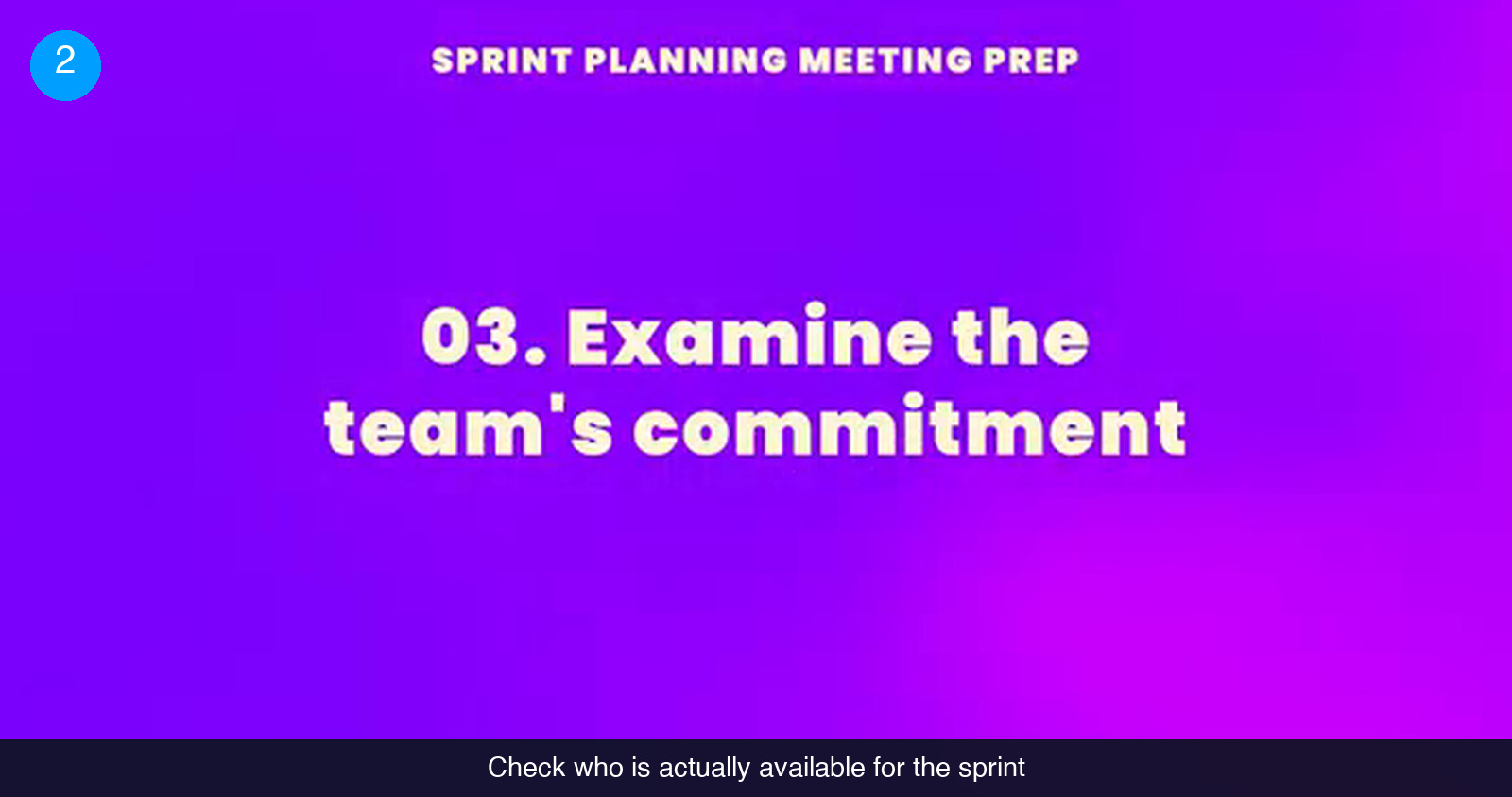
The first mistake most facilitators make is opening the backlog in the first minute. The sequence that works starts with five short context items. None of them should take long if the preparation was done, and together they make sure everyone in the room is reasoning from the same facts before anyone commits to anything.
- Remind the team of the big picture. Restate the project's goals and what the product is trying to become. It is the equivalent of agreeing on a meeting point before a family splits up at a theme park: it keeps individual decisions pointed at the same place.
- Share any new information. Stakeholder feedback, a changed deadline, a shift in priorities, anything since the last meeting that alters the context for this one.
- State the current velocity. How many story points did the team complete in the last sprint? That number informs how many should go into this one. Think of it as day three of a multi-day climb: you look at how much altitude was covered on days one and two, note what conditions have changed, and plan day three from that rather than from ambition.
- Confirm capacity. Do a head count for the sprint. Is everyone from the Step 2 check still available? Has anything changed since?
- Confirm known issues and concerns. The team will have run into things during the last sprint. Address what can be addressed now and record the rest. If the team is quiet, ask directly. Silence is not agreement, and a shy team needs to be invited to speak.
Step 4: review the definition of done, then let the team sign up and estimate
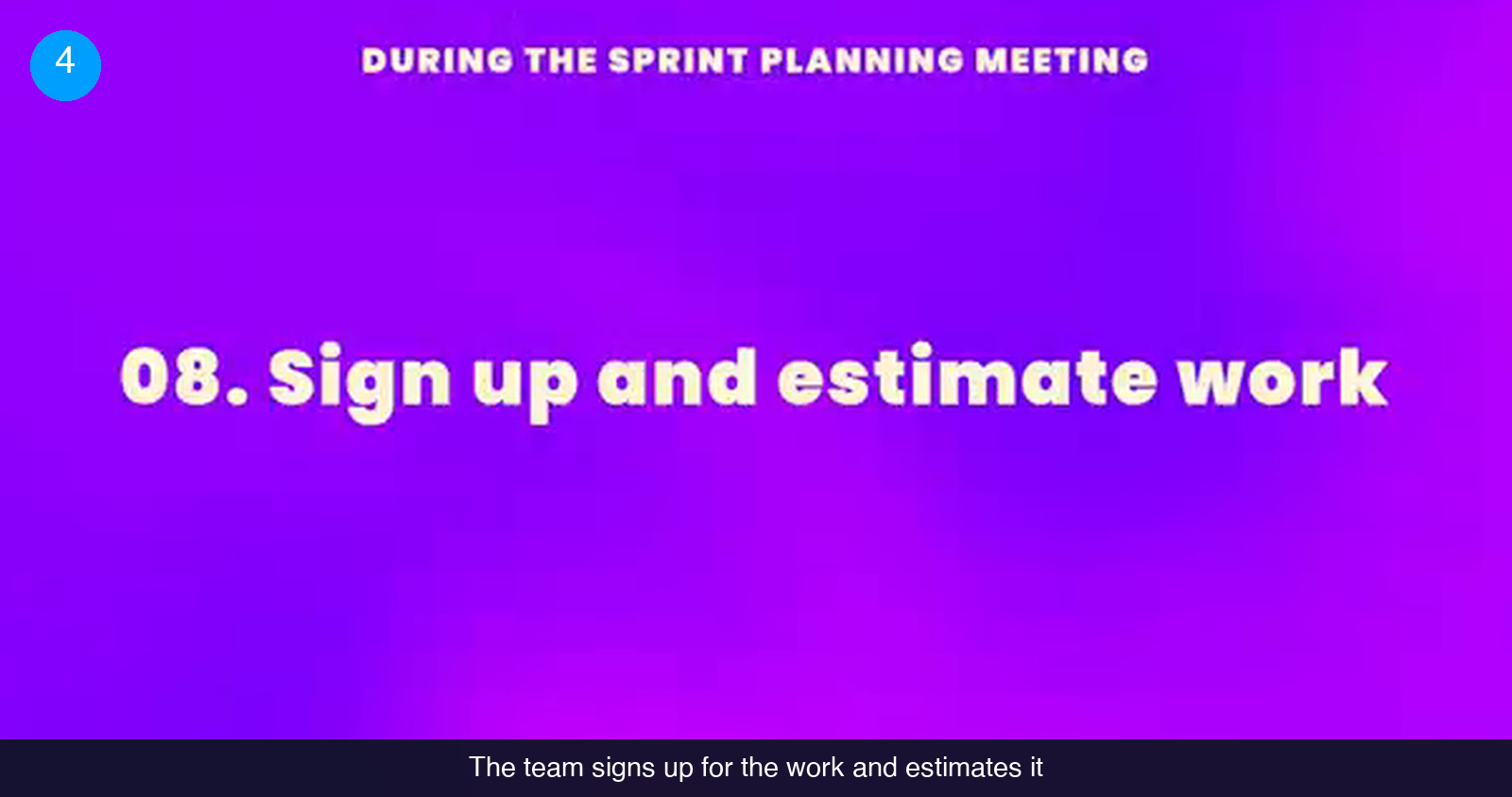
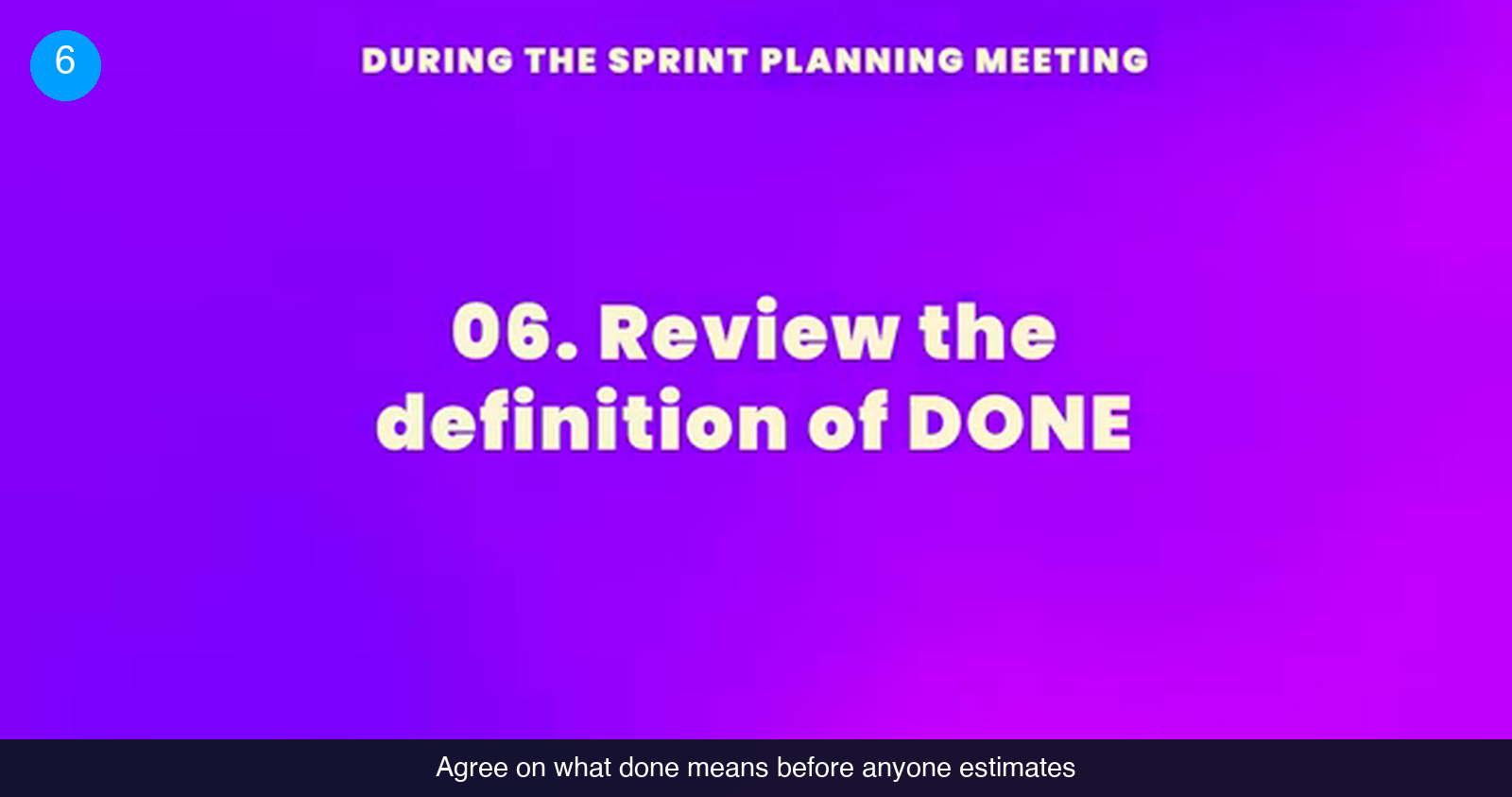
Before any estimate is made, review the definition of done: what has to be true for a task to count as finished. Coded, reviewed, tested, deployed to staging, documented? Whatever your team's answer, it must be explicit, because an estimate for "done" is meaningless if two people are picturing different finish lines. If the goal is setting up camp, done means the tent is pitched on flat ground and insulated, and the food is stored somewhere it will not attract animals. A sleeping bag dropped next to a rock is not camp.
Now present the proposed sprint backlog. This is where the meeting stops being a briefing and becomes a negotiation, and where the team gets genuinely involved for the first time:
- The product owner walks through the candidate items in priority order.
- Team members sign up for items. Ownership is decided by the people doing the work, not assigned from the front of the room.
- Each owner estimates how much time their item will take.
- The running total is compared against the velocity and capacity established in Step 3.
Two roles keep this stretch moving. The product owner acts as a resource, clarifying requirements and stating which items matter most if not everything fits. The Scrum Master keeps notes on anything the emerging plan might affect beyond this sprint, because a decision made here can have a knock-on effect on later ones. Encourage the discussion, but watch the clock. The facilitator's job is like a chaperone's on a field trip: everyone gets to explore, and everyone is back on the bus on time.
Step 5: clarify, confirm, record, and get explicit approval
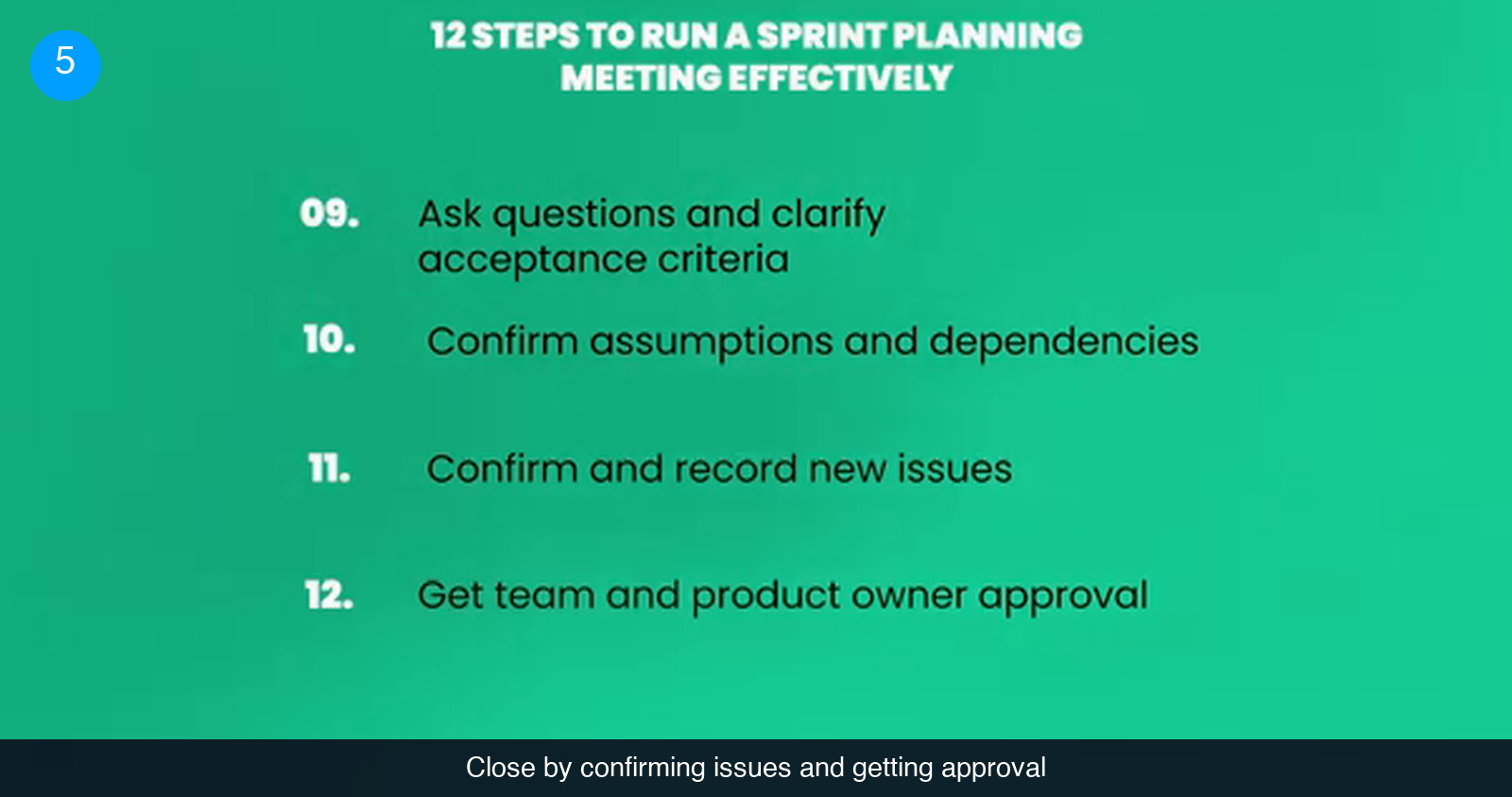
The last stretch turns the draft into a commitment. Four items, in this order:
- Ask questions and clarify acceptance criteria. Now that people own specific items, they will have specific questions. Get them answered before the meeting ends, not in a chat thread three days into the sprint.
- Confirm assumptions and dependencies. Every estimate rests on assumptions: the API will be available, the design is final, the data migration is someone else's problem. Say them out loud and confirm each one with the person who actually knows.
- Confirm and record new issues. Something will come up. It always does. Have a place to record it and identify an action item, rather than letting it either derail the meeting or vanish once everyone leaves the room.
- Get team and product owner approval. The Scrum Master asks for consensus: reviewed against velocity, capacity and the overall product vision, is this the best plan the team can make with what it knows today? Ask everyone, individually if needed. A plan that only the loudest two people agreed to is not a plan.
Then mark the moment. Some teams put their hands in the middle; others nod and leave. The ritual does not matter. What matters is that everyone knows planning is finished and work can start. From here on, daily updates track progress against what was agreed, and that record feeds the next planning meeting.
Common mistakes that make sprint planning drag
- Planning with a backlog that is not ready. Every missing description, unlisted acceptance criterion or unresolved dependency gets resolved live, at the cost of the whole team's time.
- Skipping the definition of done. Estimates made against different ideas of "finished" cannot be added up. Review it before the first estimate, every sprint, even when the team thinks it knows.
- Not checking the calendar. A plan built for five people that three people will execute is not a plan. Check commitment and capacity before the meeting, then confirm them again in the room.
- Assigning work instead of letting the team sign up. The moment the team picks up items is the moment they become involved in the plan. Take that away and you get compliance, not commitment.
- Letting the backlog discussion run without a clock. Collaboration is the point of the meeting, but so is finishing it. Use the weeks-times-two-hours rule as the budget and keep the discussion inside it.
- Mistaking silence for agreement. Quiet teams need to be asked directly, both for feedback on the last sprint and for approval of this one.
- Ending without a clear approval. If nobody can say when the plan was agreed, it was not. Demarcate the moment so work can begin without ambiguity.
Check that the sequence stuck
6 questions on the brief you just read. Pick one answer per question.
1. Who is responsible for making sure backlog items meet the definition of ready before the meeting?
2. What is the rule of thumb for the total length of a sprint planning meeting?
3. What should the team review before making any estimate?
4. Who decides who owns each item in the sprint backlog?
5. While the team reviews the backlog, what is the Scrum Master recording?
6. What is the final item of a well-run sprint planning meeting?
Score: 0 / 6
Planning that ends with a plan
Five steps, in order: bring a backlog that meets the definition of ready, check the calendar and capacity and size the meeting by sprint length, open with context before tickets, review the definition of done and let the team sign up and estimate, then clarify, confirm, record and get explicit approval. None of it is complicated. What makes the difference is doing the first two steps before the meeting instead of inside it, and doing the last three in sequence instead of all at once.
If your team is running sprints without anyone owning the backlog or facilitating the meeting, that is usually the gap to fill first. We match US companies with vetted remote product owners and Scrum Masters who can take this over from the first sprint. See how it works.
Frequently asked questions
How long should a sprint planning meeting take?
Use the sprint length as the budget: multiply the number of weeks in the sprint by two hours. A one-week sprint gets a two-hour planning meeting, a two-week sprint gets four hours. If your meetings consistently run past that, the cause is almost always preparation. A backlog that does not meet the definition of ready forces the team to write descriptions, resolve dependencies and define acceptance criteria live, which is the slowest possible way to do it.
What does the product owner do during sprint planning?
Two things, at two different moments. Before the meeting, the product owner makes sure every item that could be pulled into the sprint meets the team's definition of ready: organized, dependencies handled, acceptance criteria listed, test cases written where the team uses them. During the meeting, the product owner presents the proposed backlog, acts as a resource by clarifying requirements, and identifies the top priorities when the team cannot fit everything. At the end, the product owner's approval, alongside the team's, is what closes the meeting.
What is the difference between the definition of ready and the definition of done?
The definition of ready applies before planning: it is the checklist a backlog item must pass before the team is asked to estimate it, covering description, dependencies, acceptance criteria and test cases. The definition of done applies to the work itself: it states what must be true for a task to count as finished, and it is reviewed in the meeting before anyone estimates so that every estimate targets the same finish line. One governs what enters the sprint, the other governs what leaves it.
What if the team cannot fit everything into the sprint?
That is the expected outcome, not a failure. The running estimate is compared against the velocity from the last sprint and the capacity confirmed for this one, and the product owner states which items matter most. The Scrum Master records anything that the resulting plan pushes into later sprints. The goal at the end is not to fit everything in; it is for the team and product owner to agree that this is the best plan they can make given what they know right now.
Hire vetted talent