
Key takeaways
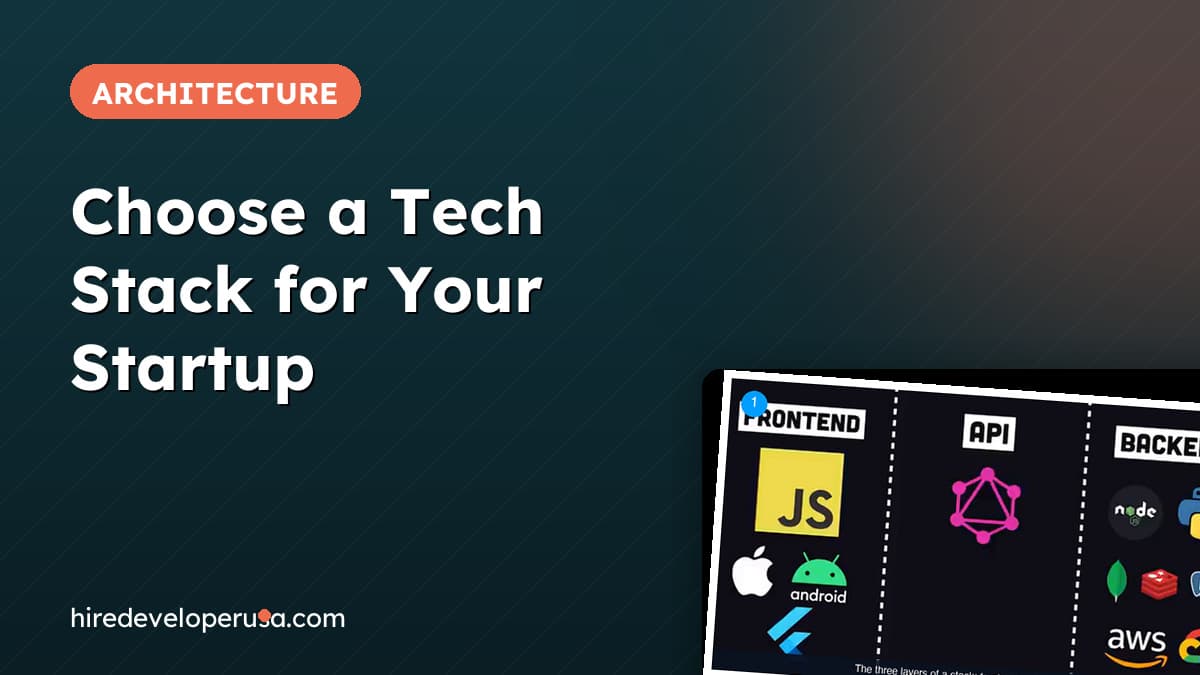
- →A stack has three layers: the front end your users touch, the back end (runtime, database, cloud provider) and the APIs that connect them, including bought-in services like payments and email.
- →Named stacks such as LAMP, MEAN and MERN are useful shorthand, but the acronym never covers everything a real product needs.
- →Popularity is a legitimate reason to pick a front-end framework: the most widely used option gives you the largest pool of developers to hire from.
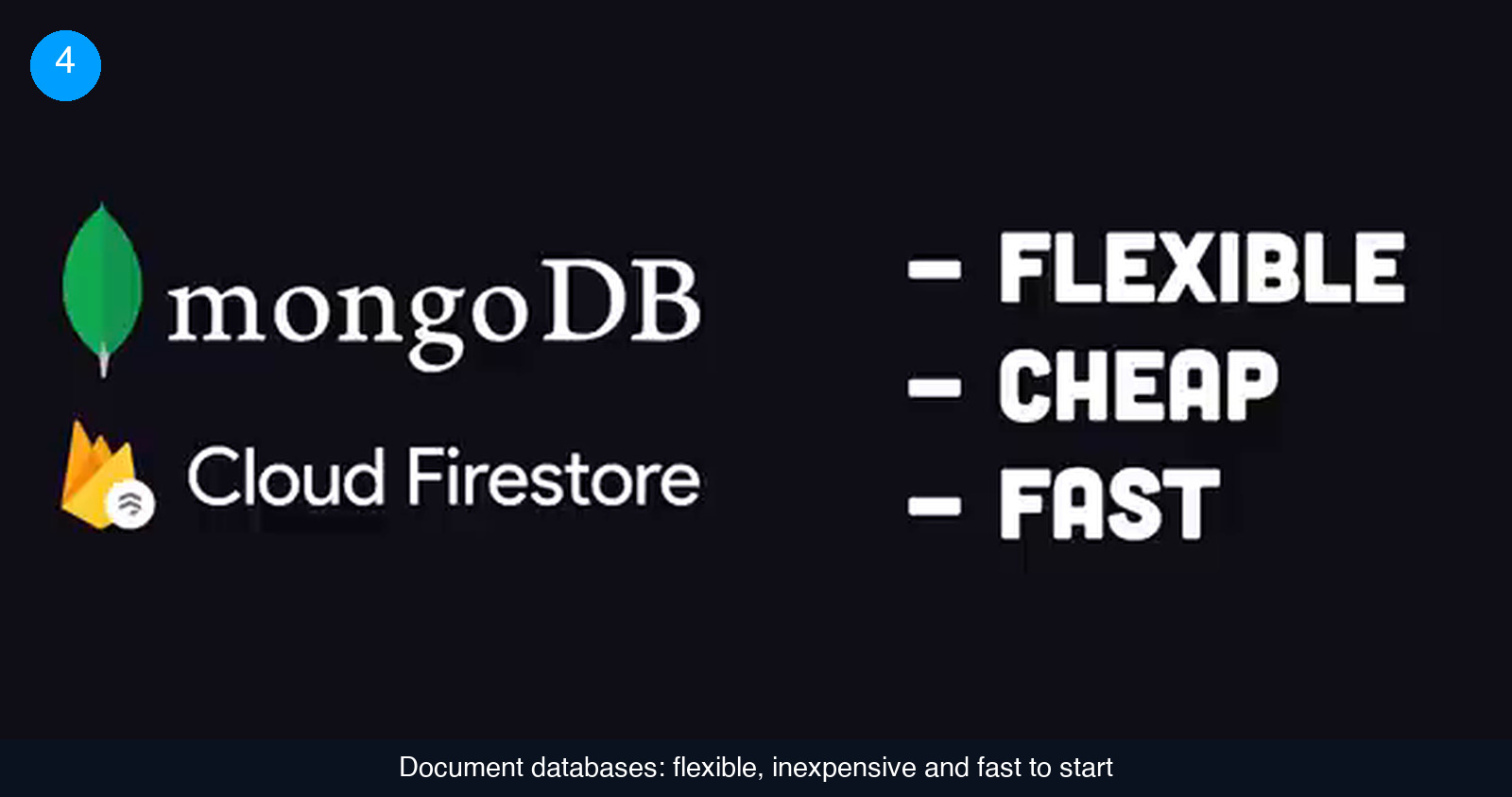
- →The database is the highest-stakes back-end decision. Document databases are flexible and cheap to start; relational databases handle relationships better but are less flexible and cost more to run.
- →Your users never see the stack. A plain HTML file, a drop-in framework and a managed back end get most products to market faster than containers, orchestration and infrastructure as code.
The first technical decision a startup makes is also the one it is least equipped to make. Nobody on the founding team has built this exact product before, the options run into the hundreds, and every vendor in the ecosystem is selling a shovel for the same gold rush. The choice is also sticky: swapping a database or a front-end framework after launch means rewriting code that already works, and that rework rarely fits the budget or the roadmap.
This guide is for founders and CTOs who have to sign off on a stack, or who need to evaluate the one a developer is proposing. It works through the decision one layer at a time, using a concrete example: a social product with user accounts, user-generated content, and the ambition to serve users well beyond the first city. We first assemble the stack with the most fashionable tool in every slot, then throw most of it away and show what the same product looks like when it is built to ship. A short quiz at the end checks that the reasoning stuck.
Step 1: map the three layers before you compare a single tool
Most stack debates go wrong because they start with product names. React or Vue, Postgres or Mongo, AWS or Google Cloud. Start instead with the shape of the thing you are choosing. There is no official definition of a tech stack, but it breaks down cleanly into three layers, and every tool you will ever evaluate belongs to one of them.
- The front end is everything needed to build the interface your customers touch. On the web that almost always means a JavaScript framework. On mobile it means native iOS or Android tooling, or a cross-platform option such as Flutter.
- The back end is the server-side runtime that executes your code (Node.js, Python and so on), the database that stores what your users create, and the cloud provider you rent the infrastructure from. That provider belongs in the diagram: they will do their best to lock you in, so treat them as part of the stack rather than a utility bill.
- The APIs are the connective tissue between the two. Some of it you build yourself, as a REST or GraphQL interface. Most of it you buy: payments, email, text messaging, authentication. These services do work on both the server and the client, which is why they sit in the middle.
A useful bit of history: the original named stack was LAMP, from the late 1990s, standing for Linux, Apache, MySQL and PHP. It mattered because building for the web at the time usually meant paying for commercial software, and LAMP was free and open source. It went on to underpin platforms like WordPress and Joomla. Building a web application is far easier today; what has changed is that the number of tools competing for each slot has exploded.
Before the next step, draw three columns on a whiteboard and write down what your product needs in each one. Needs, not tools. "Users must log in" goes in the API column; "we store posts and who follows whom" goes in the back end. The tools come later.
Step 2: use named stacks as vocabulary, not as a decision
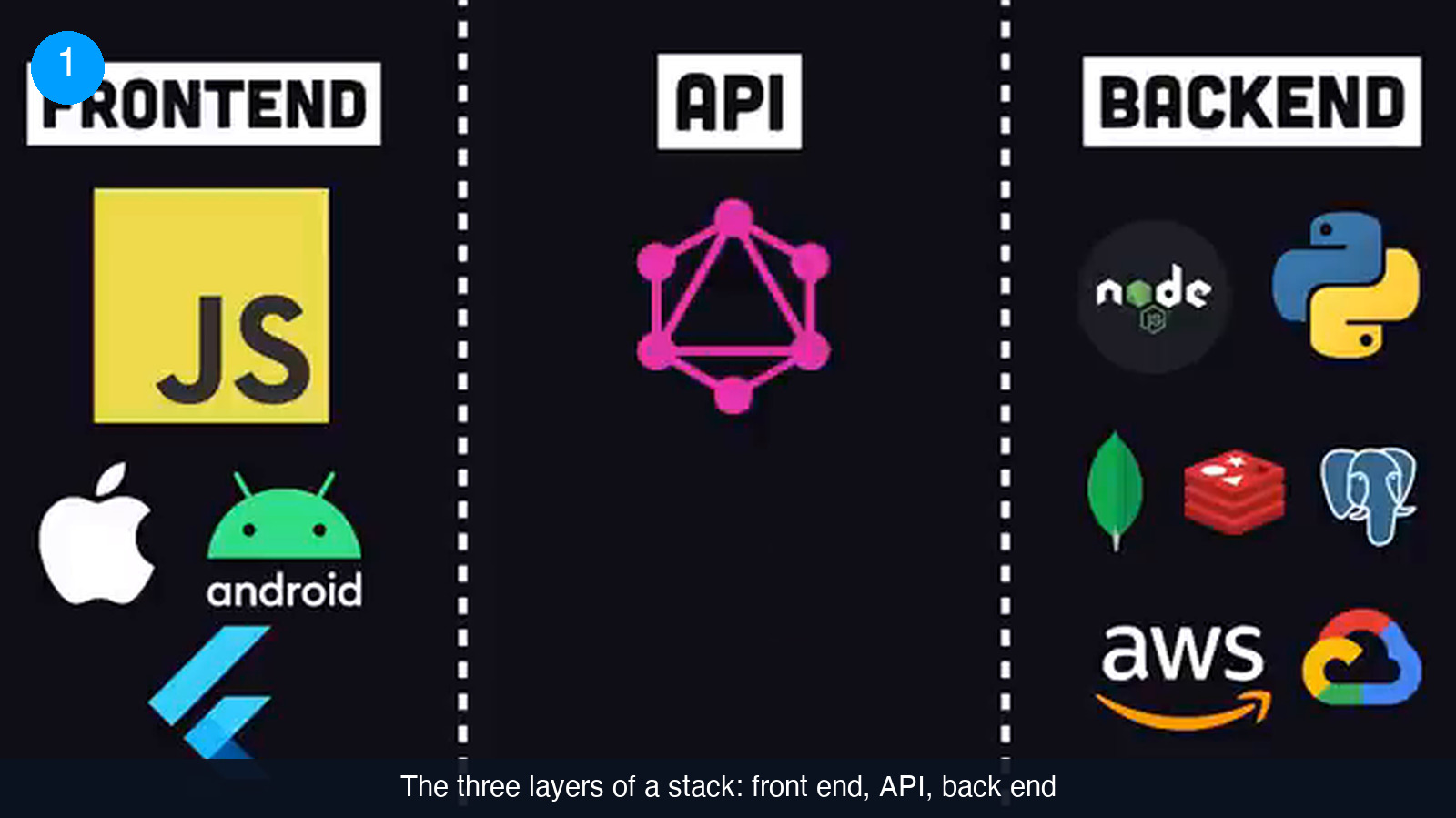
Once the columns exist you will notice that the industry has pre-filled them for you. MEAN stands for MongoDB, Express, Angular and Node. A large part of why it became popular is simply that the acronym is catchy: saying it makes other people in the room assume you know what you are doing. Its variants swap the front end: MERN uses React, MEVN uses Vue. The problem with all of them is the same. An acronym covers four boxes, and a real product needs far more than four. None of these names say anything about payments, authentication, hosting, email or how the code gets deployed.
That does not make them useless. They are a shared vocabulary, and when a candidate says "I mostly work in the MERN stack" you learn something real about their experience. What you should not do is pick a stack because the acronym sounds good, and then spend the next two years wishing you had chosen differently.
Two practical checks at this stage:
- Take any named stack a developer proposes and write down what it leaves out. If the missing pieces (auth, payments, hosting, CI) are not discussed, the proposal is incomplete.
- Look at what companies you respect are actually running. Sites such as stackshare.io list which technologies are in use at which companies, and how widespread each one is. That is a better reference point than a four-letter word.
Step 3: choose the front end for where your users are and who you can hire
The front end is the layer where popularity contests are most visible, so it helps to have a firm first question: where will customers use the product? Web, iOS, Android, desktop, an embedded device? For our example, users are primarily on the web, with a mobile app as a likely follow-up. That single answer settles most of the layer:
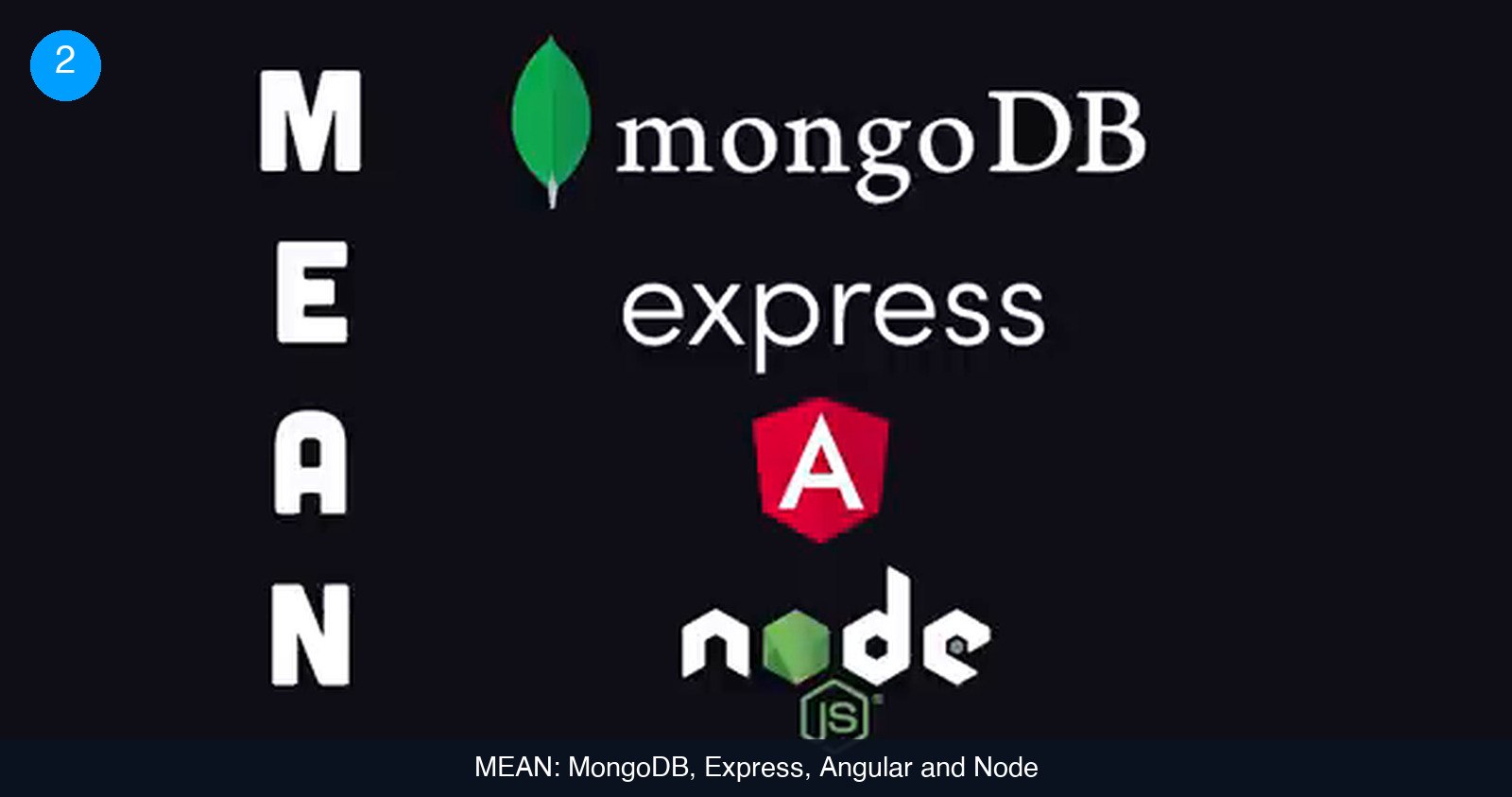
- Language. If you target the web, the language is JavaScript. There are tools that let you avoid it, but if the goal is a serious web app, embracing JavaScript is the pragmatic route. For a product that needs to scale, use TypeScript on top of it: the added type system catches a class of bugs earlier and makes the codebase easier for new hires to navigate.
- UI framework. Building a complex interface in plain JavaScript is painful, so you will pick a framework. There are more candidates than anyone can reasonably evaluate, and here is the honest reason to choose React: not because it is the fastest or the most elegant, but because it is the most widely used, and that gives you the largest pool of developers to hire from. It also opens a path to mobile through React Native later. A founder who personally prefers a newer framework such as Svelte still has to fill the job requisition next quarter. If you are hiring for this layer, React developers are the easiest to find.
- Everything around the framework. This is where the "maximal" version of the stack balloons. A state-management library like Redux, which is both the most popular and the most complained about, because it demands a lot of boilerplate. Tailwind for utility-class styling, Sass as a CSS preprocessor, PostCSS to strip unused styles for production, and webpack to bundle the JavaScript files into something a browser can load, with the caveat that bundlers are notoriously frustrating to configure.
Each addition is defensible on its own. Together they mean every job description you post now lists seven technologies before the candidate has read what your product does.
Step 4: pick the database first, then the runtime around it
The back end is where the expensive mistakes live, and the most consequential decision inside it is the database that holds your user-generated data. Two families dominate the choice:
- Document (NoSQL) databases such as MongoDB or Cloud Firestore. They are easy to learn, inexpensive to start with, and scale to practically any workload. Their weakness is modeling certain relationships. A social graph, who follows whom and who liked what, is exactly the kind of structure they handle awkwardly.
- Relational databases such as MySQL or PostgreSQL. This is the most popular category and it excels at relationships. The trade-off is that a fixed schema is less forgiving when requirements change, and these systems are generally more expensive to operate.
Graph databases exist as a more specialized third option. For a social product, the example stack goes with MySQL, the conservative relational choice. Then something instructive happens: someone reads an article claiming MySQL will not be fast enough at scale, and a second database, Redis, gets added as a cache. Redis keeps data in memory rather than on disk, which makes reads much faster. Notice the pattern, because it repeats through the rest of this guide: a real capability, added in response to a hypothetical problem.
With the database chosen, the rest of the back end follows:
- Server runtime. This decision usually comes down to the language your team already writes. Python teams reach for Flask or Django; there is Ruby on Rails, Laravel for PHP, Spring for Java. A JavaScript team picks Node.js, and in the example adds the NestJS framework because it supports TypeScript out of the box.
- Data access. Nobody wants to hand-write every SQL query, so an object-relational mapper such as TypeORM goes in.
- Web server. Making the runtime reachable on the internet means putting nginx or Apache in front of it.
If you are budgeting this work, the database choice is also the one that most affects the developer profile you need. Our guide to estimating software development costs covers how to turn a stack like this into a staffing plan.
Step 5: decide how much infrastructure and how many APIs you are signing up for
You now have a server framework and nowhere to run it. In the maximal version of the stack, deployment becomes its own discipline:
- Docker packages the code into a standard Linux environment so it behaves the same on any cloud server.
- Kubernetes orchestrates many containers once a single one is no longer enough.
- A cloud provider, AWS in the example, hosts all of it.
- Terraform defines that infrastructure as code, so it is versioned and reproducible instead of clicked together in a console.
- GitHub hosts the source, and GitHub Actions runs a continuous integration pipeline that tests and redeploys the app on every push. (If you do get to this point, our walkthrough on setting up a CI/CD pipeline for a startup covers the practical side.)
Then come the things that are too hard to build from scratch, which is what the API layer is for. The front end and back end need a way to talk, so the example adds GraphQL along with Apollo, a library that provides code on both sides to build and consume that API. Payments go to Stripe, which ships SDKs for the server and the client. Authentication goes to Auth0. Image moderation, which a social product needs the moment strangers can upload photos, goes to Amazon Rekognition. Text messages go to Twilio. The list could keep growing; the principle is that APIs exist to buy the capabilities you should not be building yourself.
Every item on this page is a legitimate tool. The question for a founder is different: each one is also something a person on your payroll has to understand, configure and keep running. Count them before you commit to them.
Step 6: strip the stack back to what you can actually ship
Here is the full inventory the previous five steps produced.
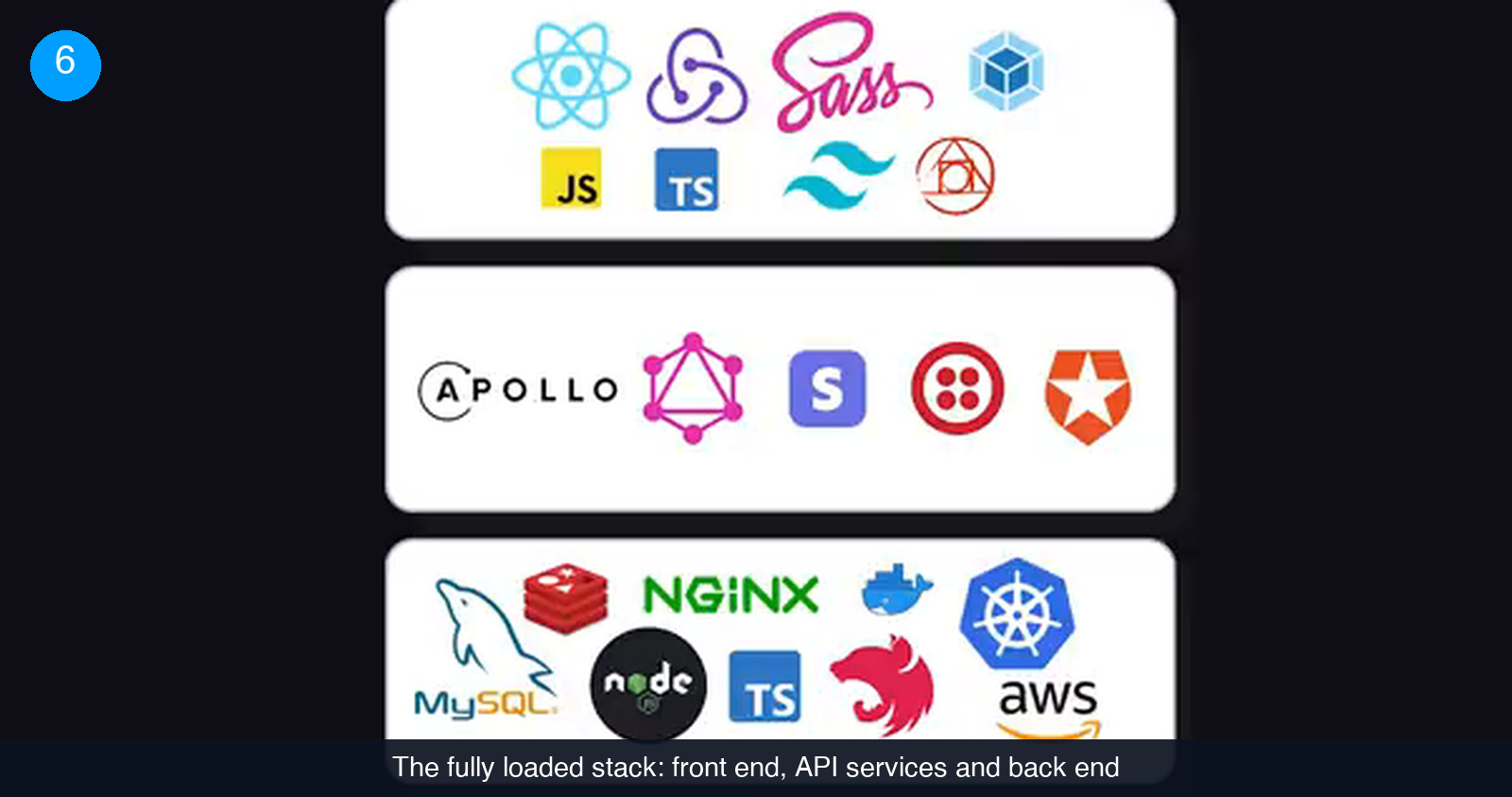
It is almost certainly more than the product needs, and there is one fact that should reframe the whole exercise: your users do not care, and will never know, what technology the product is built on. They want a good experience. If you do not build a good experience first, you will never reach the point where a tool like Kubernetes solves a problem you actually have.
So put the inventory in the bin and start again from a plain HTML file. The same product, rebuilt for shipping:
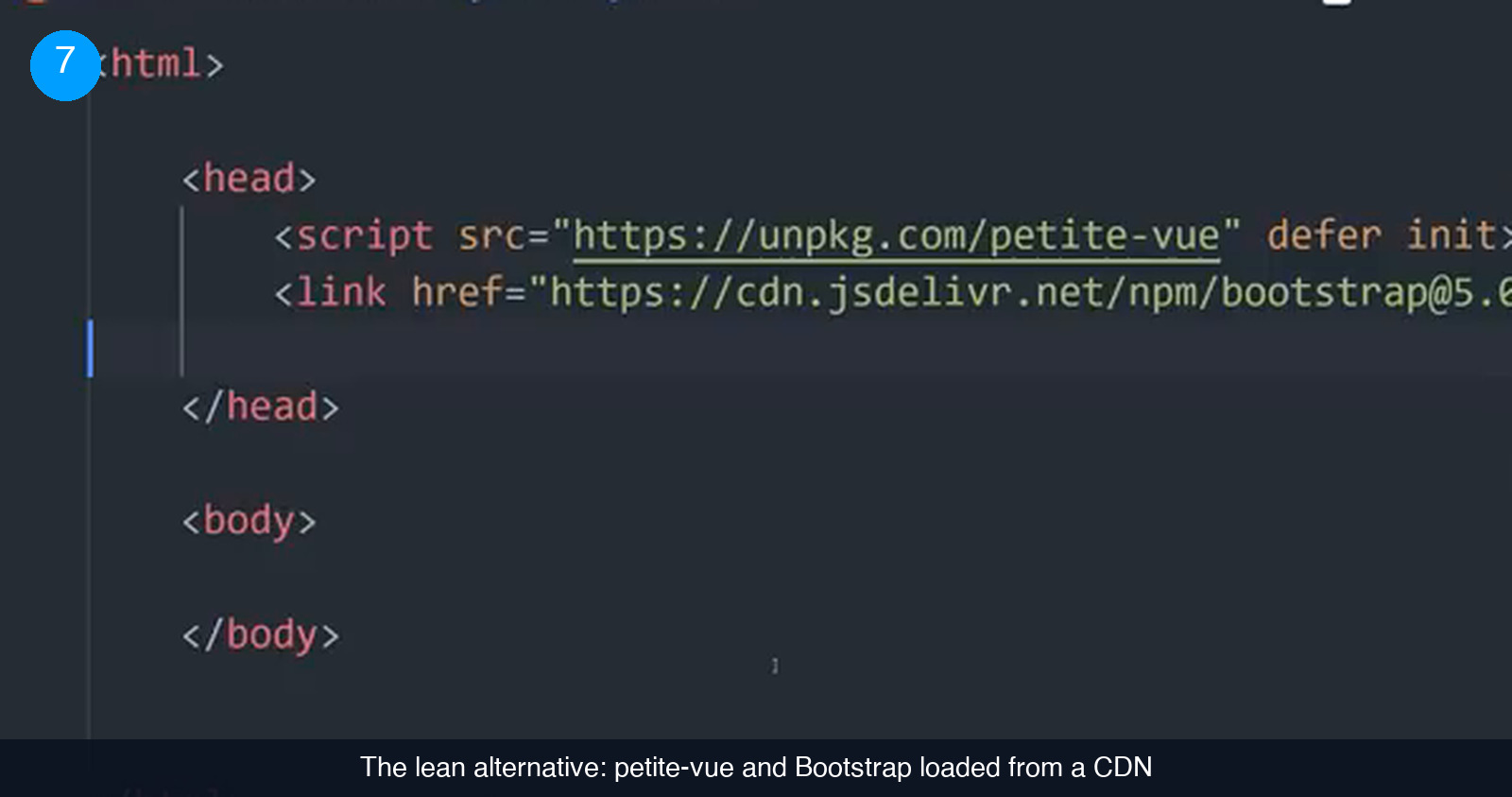
- Interactivity without a build step. The app still needs a JavaScript framework, but instead of something heavy, use petite-vue. Its syntax is compatible with Vue, which many developers already know, and it loads from a single script tag. No webpack, no bundler configuration.
- Styling that is good enough, fast. Bootstrap is more cookie-cutter than Tailwind, and it is probably the quickest route to an interface that looks respectable.
- Mobile when you need it. If a mobile app becomes necessary, Ionic wraps the web app in a native shell for iOS and Android.
- A back end you do not operate. Firebase provides a document database that scales without a server to manage, handles user authentication, and is added with a script tag.
- Server code without servers. When you do need custom server-side logic, Firebase Cloud Functions let you write it in Node.js, Python or Go and deploy with a single command. It scales on its own. No Docker, no Kubernetes, no Terraform.
- Skip what you are not using. Continuous integration only earns its keep once you are testing and redeploying every day. GraphQL is built for complex applications that stitch together multiple APIs; a product with one back end does not need it.
What is left is a lean, fully functional stack: a web front end, managed data and auth, and serverless functions for the few things that must run on a server. It is close to the simplest way to build a complete web application, and it can be maintained by a single full-stack developer rather than a platform team.
Common mistakes founders make when choosing a stack
- Choosing by acronym. A catchy name is not an architecture. If the proposal does not address auth, payments, hosting and deployment, it is not a stack yet.
- Preferring the framework you love over the one you can hire for. The most popular option gives you the largest candidate pool. That matters more than benchmark results when you have to staff the team.
- Adding a cache because of an article. Redis was added to the example stack in response to a claim about performance, not a measurement. Add layers when you hit a limit, not when you read about one.
- Setting up CI/CD before you deploy daily. A pipeline that tests and redeploys on every push is valuable once pushes are frequent. Before that, it is setup time spent on a problem you do not have.
- Reaching for GraphQL with a single back end. It shines when several APIs need to be stitched together. For one database behind one app it is extra machinery.
- Containers and orchestration before product-market fit. Docker, Kubernetes and Terraform are the right tools for a platform team. Serverless functions give a small team the same reachability with none of the operations.
- Forgetting the cloud provider is part of the stack. Lock-in is real. Know which pieces of your product could move and which could not.
Check that the reasoning stuck
6 questions on the brief you just read. Pick one answer per question.
1. What are the three layers of a tech stack described in this guide?
2. Why does the example stack choose React for the front end?
3. Which back-end decision carries the highest stakes?
4. What is the main weakness of document databases such as MongoDB or Firestore?
5. In the lean version of the stack, what replaces Docker, Kubernetes and Terraform?
6. When does a continuous integration pipeline become worth setting up?
Score: 0 / 6
The stack your users will never see
Six decisions, in order: map the three layers, treat acronyms as vocabulary, pick the front end for reach and hiring, choose the database before the runtime, count the infrastructure and APIs you are committing to, and then cut everything that does not serve the first version. The fully loaded stack and the lean one can build the same product. Only one of them can be built and maintained by the team you can afford this year.
If you are deciding this now and want a second opinion from someone who has shipped on both kinds of stack, we match US startups with vetted remote full-stack developers who can own the whole thing, from the HTML file to the cloud functions. See how it works.
Frequently asked questions
Should we pick the most popular framework or the best one?
For a startup, the most popular one, and this guide is explicit about why. The example stack picks React not because it is the fastest or the most elegant option but because it is the most widely used, which translates directly into the size of the candidate pool when you hire. A newer framework may be a better piece of engineering and still be the wrong call if you cannot staff it. The exception is a founder-engineer who will personally write the front end for a long time and has no plans to hire for it soon.
Document database or relational database for a new product?
It depends on the shape of your data. Document databases such as MongoDB or Firestore are easy to learn, inexpensive at the start and scale to almost any workload, which makes them a strong default for an early product. Their weak spot is data with many relationships, like a social graph of who follows whom. Relational databases such as MySQL or PostgreSQL handle those relationships well but are less flexible when requirements change and generally cost more to operate. Decide this before choosing the server runtime, because it is the harder one to reverse.
Do we need Docker and Kubernetes from day one?
No. Docker standardizes the environment your code runs in, and Kubernetes orchestrates many containers once one is not enough. Both solve real problems, but they are problems a product has after it has users. The lean stack in this guide uses serverless cloud functions instead: you write the server-side code, deploy it with one command, and it scales without you managing containers, orchestration or infrastructure as code. Move to containers when you have a specific need they answer.
When does a startup actually need GraphQL?
GraphQL, usually with a library like Apollo providing both the client and server pieces, is designed for complex applications that need to stitch several APIs together behind one query interface. A product with a single back end and a single front end does not get much from it, and it adds machinery on both sides. Start with the plain interface your managed back end already gives you, and revisit GraphQL when you genuinely have multiple data sources to unify.
Hire vetted talent